🧩
E-Commerce
WooCommerce
Add 3D product viewers to WordPress & WooCommerce
Live
Setup:5 minutes
Difficulty:Easy
Code:Snippet provided
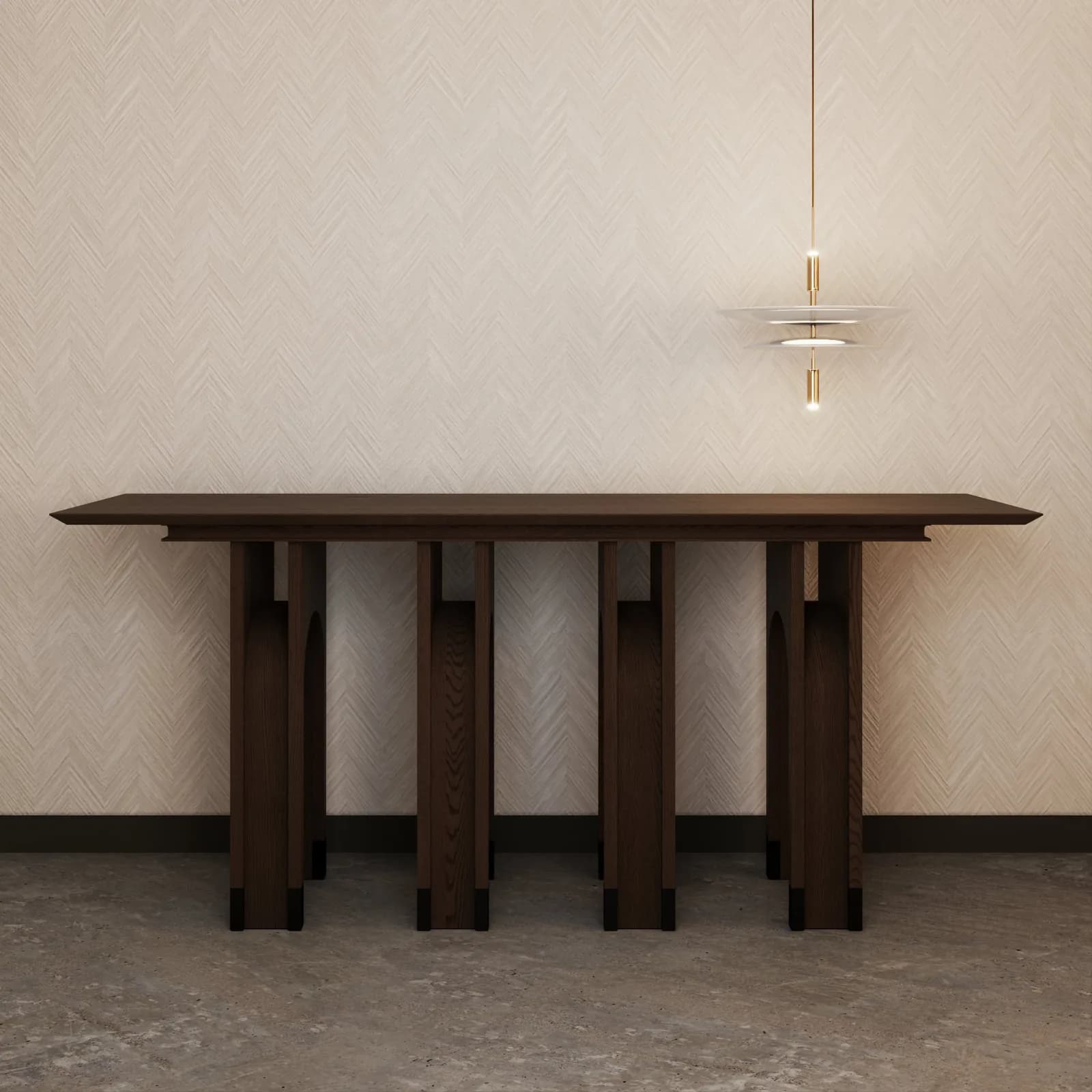
What's included
Your products. WooCommerce-ready.
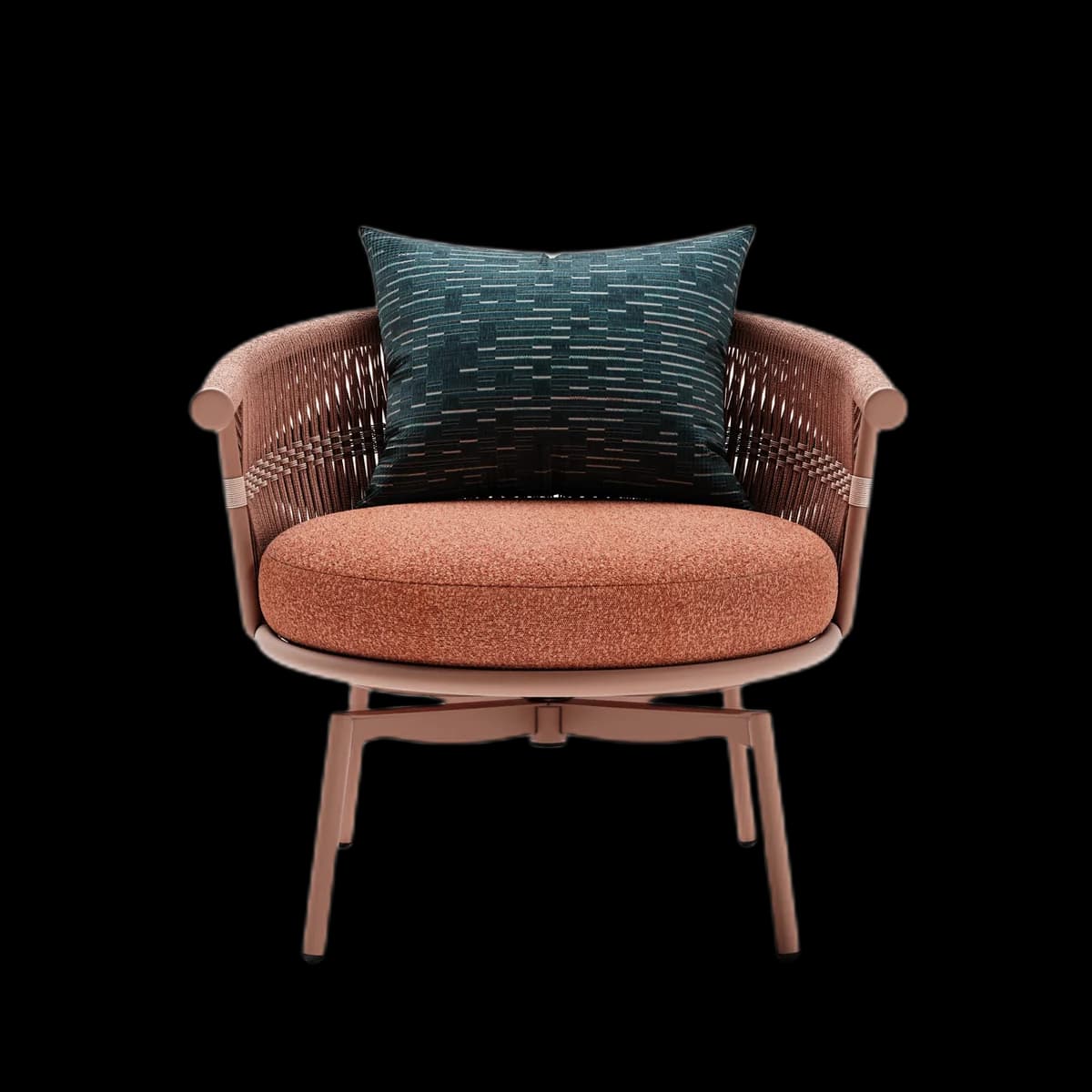
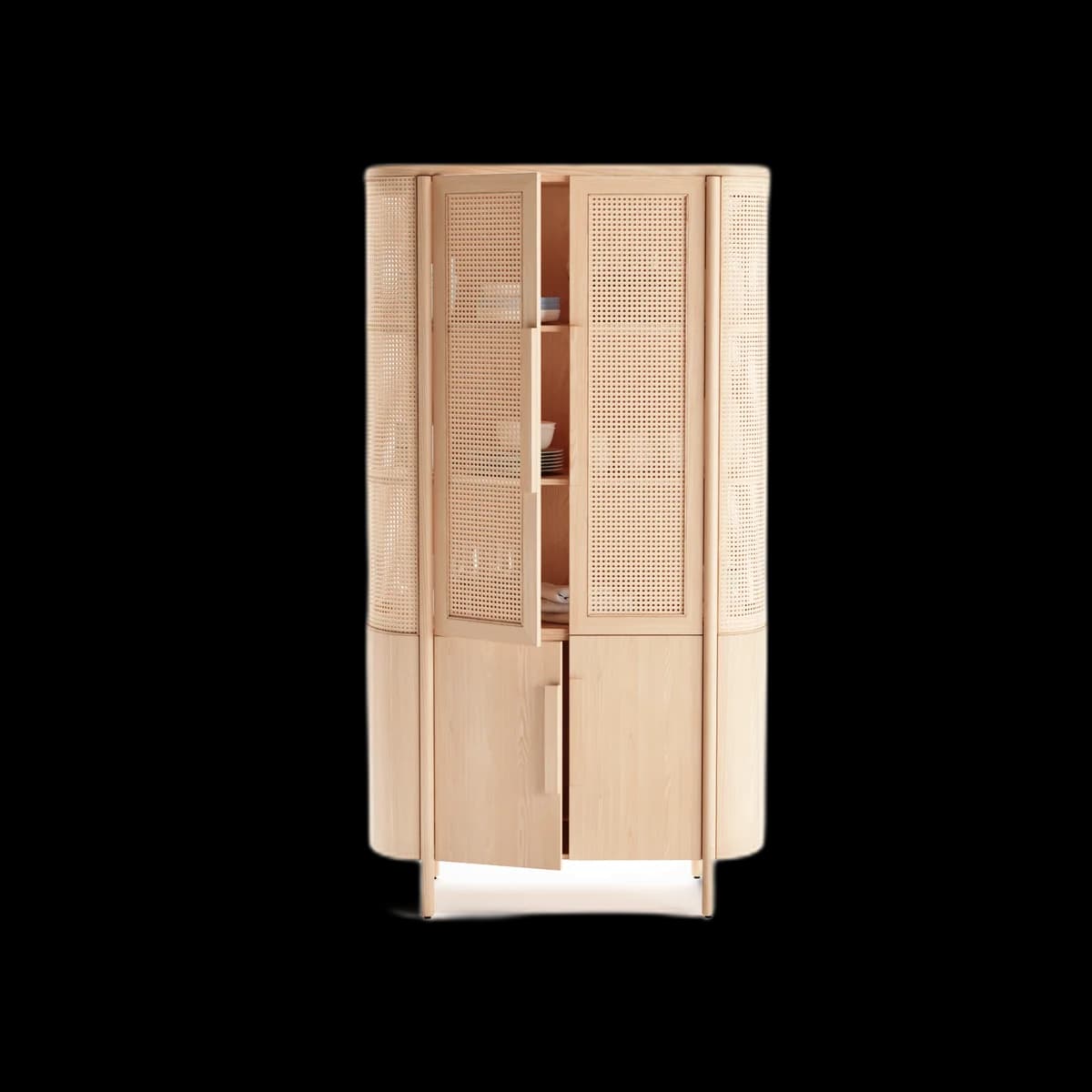

Per-product or sitewide embed
Compatible with all WooCommerce product types
Visual preview
Here's how it looks inside WooCommerce.
Setup
Live in 5 minutes.
5 steps · Easy
1
Copy embed code from Fenicher
Open asset → Share → Copy Embed Code.
2
Edit the product in WooCommerce
Go to Products → Edit the product you want to show the 3D viewer for.
3
Add a Custom HTML block
In the Gutenberg editor, click + Add Block → search 'Custom HTML'. In Classic editor, switch to 'Text' tab.
4
Paste the iframe
Paste the Fenicher embed code into the HTML block.
<iframe
  src="https://fenicher.com/view/YOUR_TOKEN"
  width="100%" height="420"
  allow="xr-spatial-tracking"
  style="border:none;border-radius:10px"
></iframe>
5
Publish
Click Update / Publish. The viewer will appear on the product page immediately.
Best for
Who uses WooCommerce with Fenicher?
01
WordPress furniture stores
02
Interior design studios with product pages
03
Custom-made furniture brands
Also in E-Commerce
Other integrations you might want
Connect Fenicher to WooCommerce.
Contact sales to get started. Setup in 5 minutes.