🛒
E-Commerce
Tokopedia
Share 3D viewer links directly in Tokopedia listings
Live
Setup:2 minutes
Difficulty:Easy
Code:Snippet provided

What's included
Your products. Tokopedia-ready.
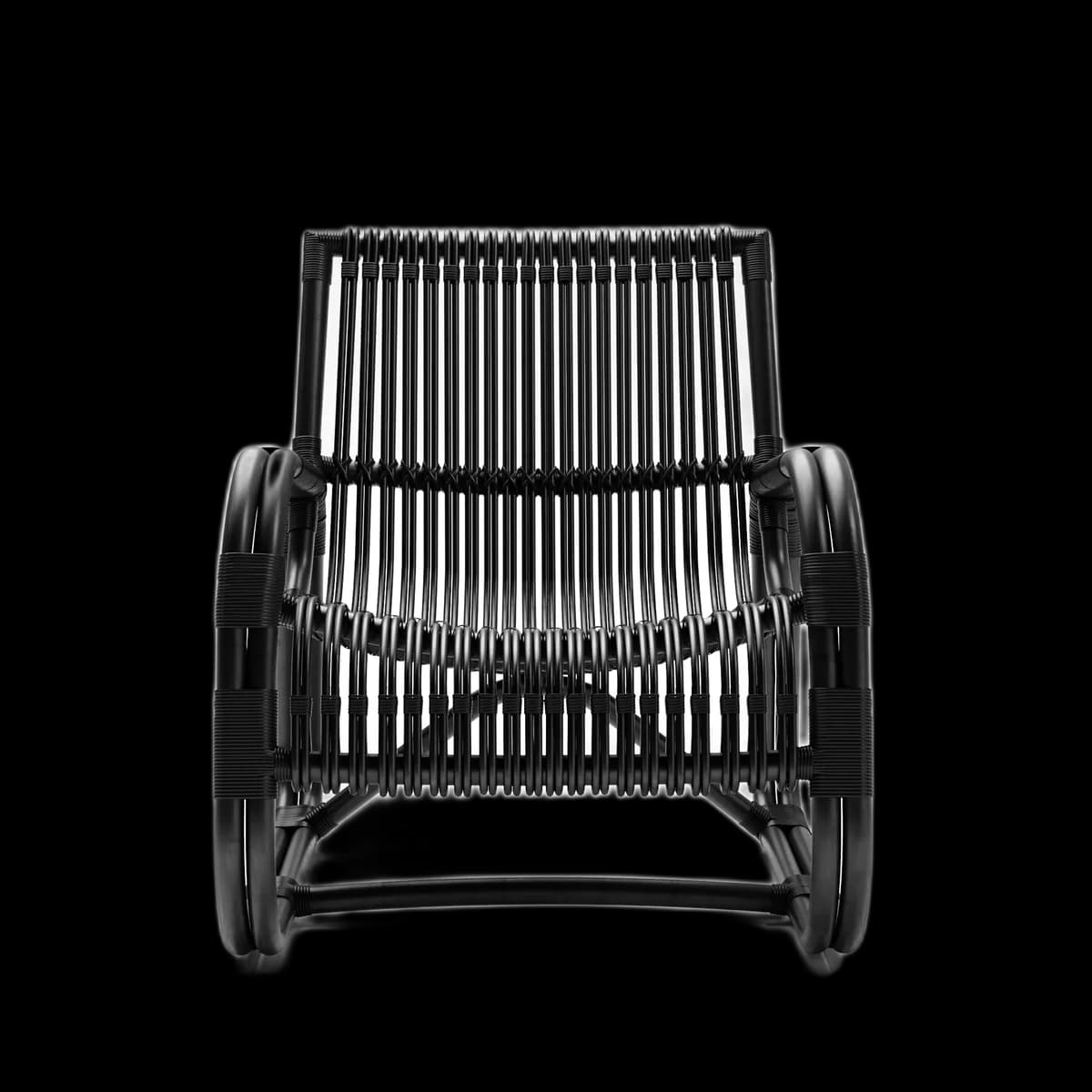
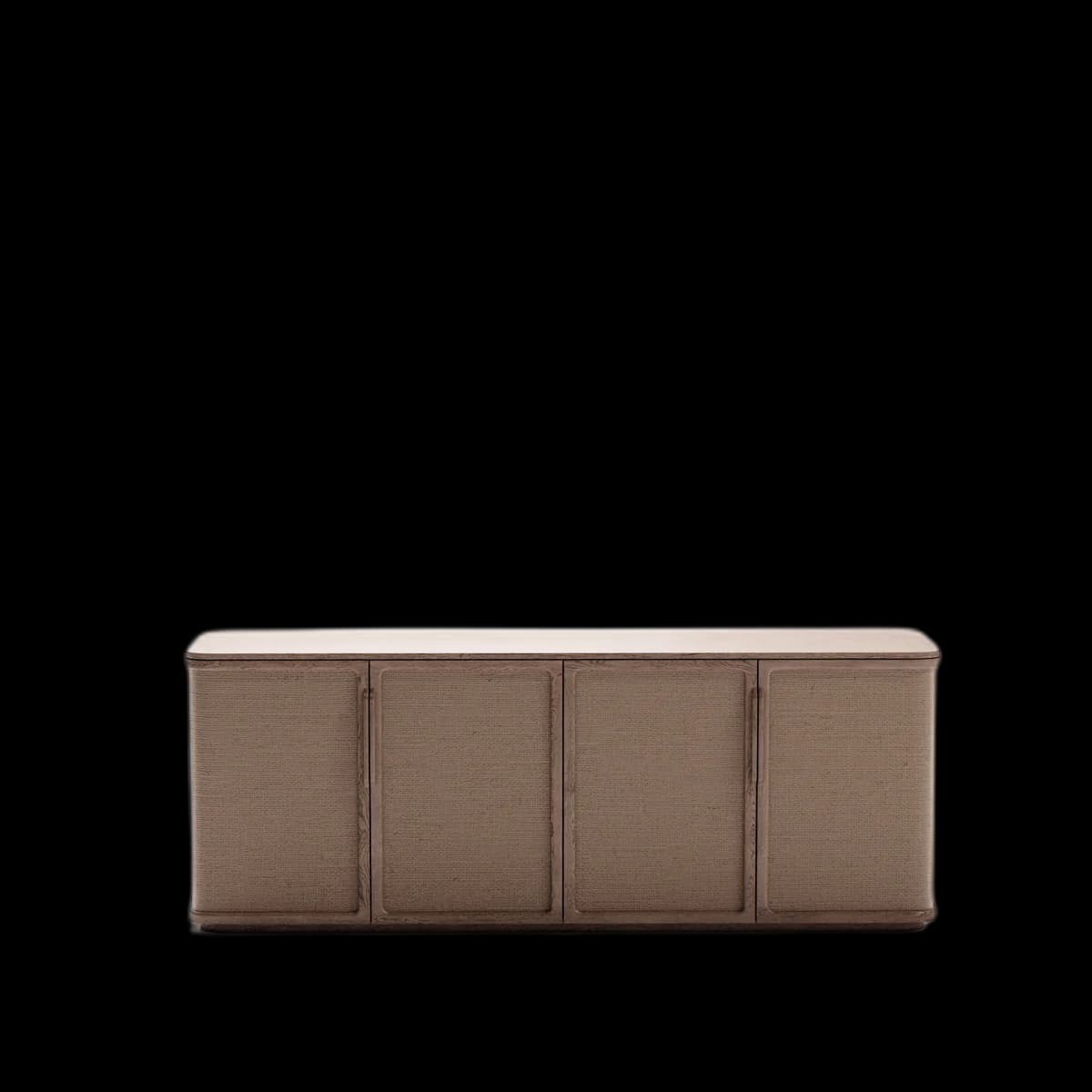

AR Quick Look for iPhone buyers
Visual preview
Here's how it looks inside Tokopedia.
Setup
Live in 2 minutes.
3 steps · Easy
1
Get your shareable viewer link
In Fenicher → Share → Copy Viewer Link.
2
Add to product description
Paste the link at the top or bottom of your Tokopedia product description. Suggested text:
🪑 Lihat produk dalam 3D interaktif & AR:
https://fenicher.com/view/YOUR_TOKEN

Putar 360°, zoom, dan lihat di ruangan Anda
via AR di iPhone & Android.
3
Pin in Tokopedia Chat
When chatting with buyers, send the Fenicher link directly. They can open it on any phone — no app needed.
Best for
Who uses Tokopedia with Fenicher?
01
Furniture brands on Tokopedia
02
Sellers wanting to reduce return rates
03
Premium product categories where visual detail matters
Also in E-Commerce
Other integrations you might want
Connect Fenicher to Tokopedia.
Contact sales to get started. Setup in 2 minutes.