🌐
E-Commerce
Wix
Embed 3D viewers in any Wix page
Live
Setup:5 minutes
Difficulty:Easy
Code:No code needed

What's included
Your products. Wix-ready.

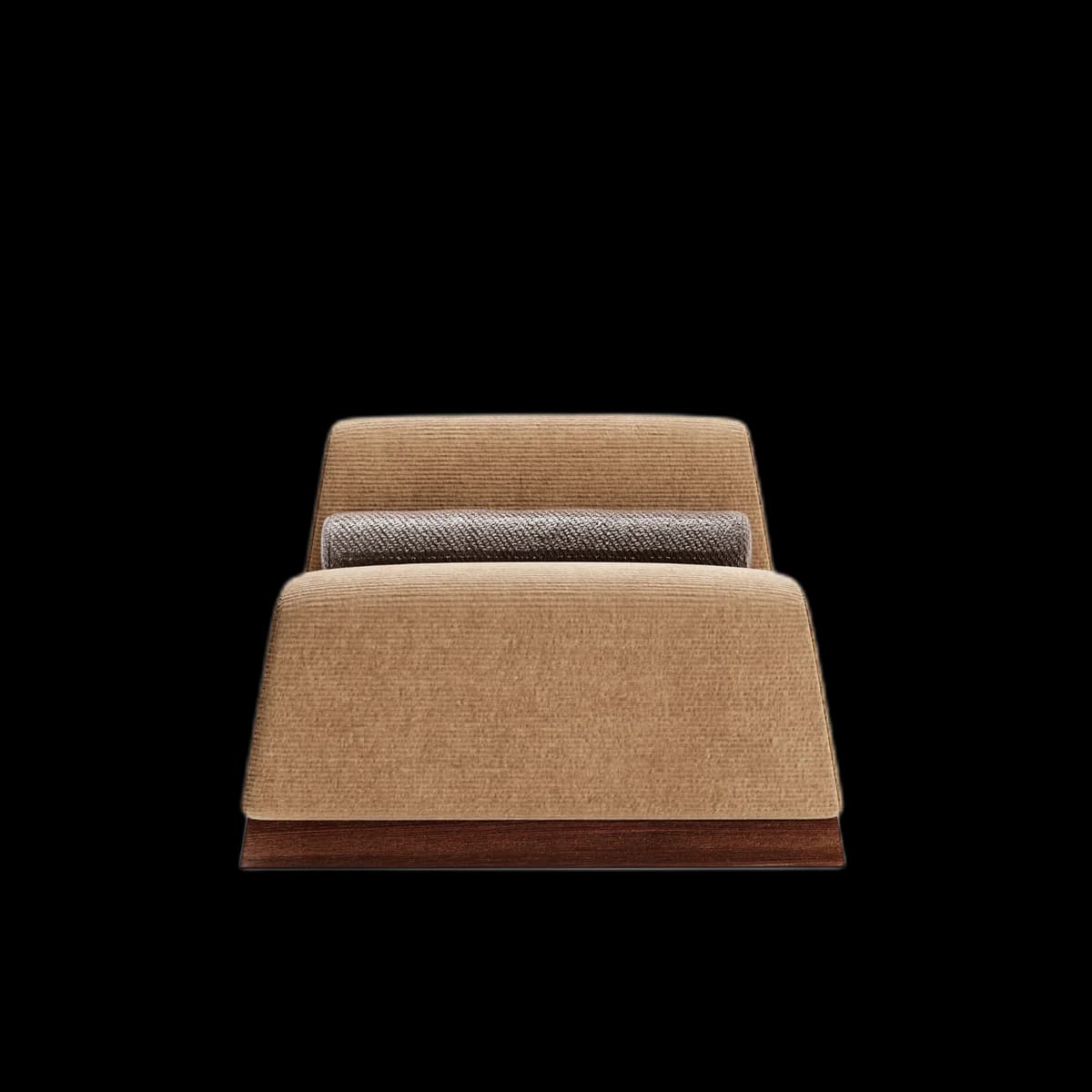

No code required
Visual preview
Here's how it looks inside Wix.
Setup
Live in 5 minutes.
5 steps · Easy
1
Copy embed code
In Fenicher → Share → Copy Embed Code.
2
Open Wix Editor
Click Edit on your site.
3
Add Embed widget
Click Add (+) → Embed → Embed a Site.
4
Paste URL
In the widget settings, enter your Fenicher viewer URL: https://fenicher.com/view/YOUR_TOKEN
5
Resize and position
Drag the widget to place it on the page. Resize to fit your layout.
Best for
Who uses Wix with Fenicher?
01
Small furniture brands on Wix
02
Interior designers with portfolio sites
03
Retail showrooms
Also in E-Commerce
Other integrations you might want
Connect Fenicher to Wix.
Contact sales to get started. Setup in 5 minutes.