📦
E-Commerce
Lazada
Enhance Lazada listings with 3D viewer links
Live
Setup:2 minutes
Difficulty:Easy
Code:No code needed

What's included
Your products. Lazada-ready.
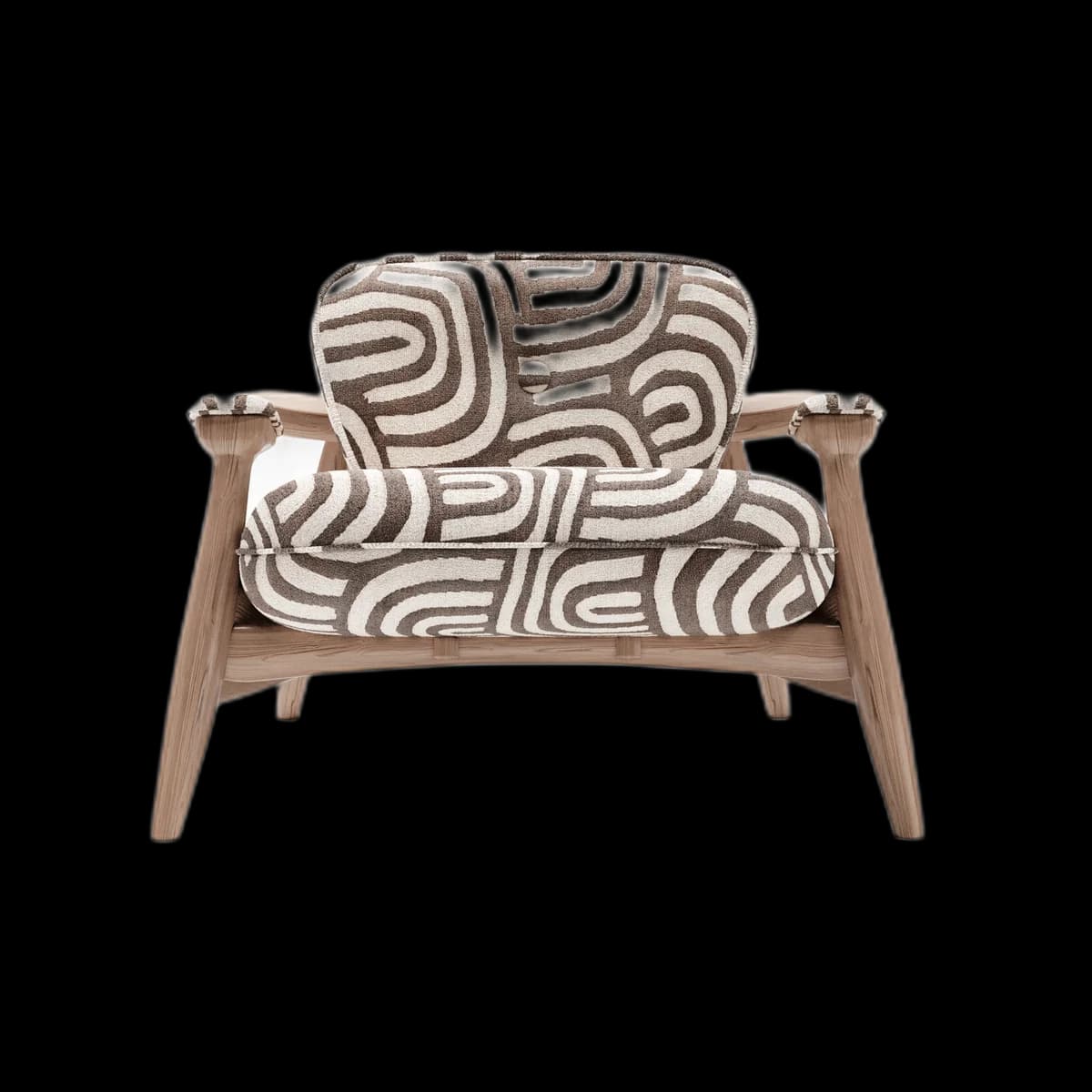
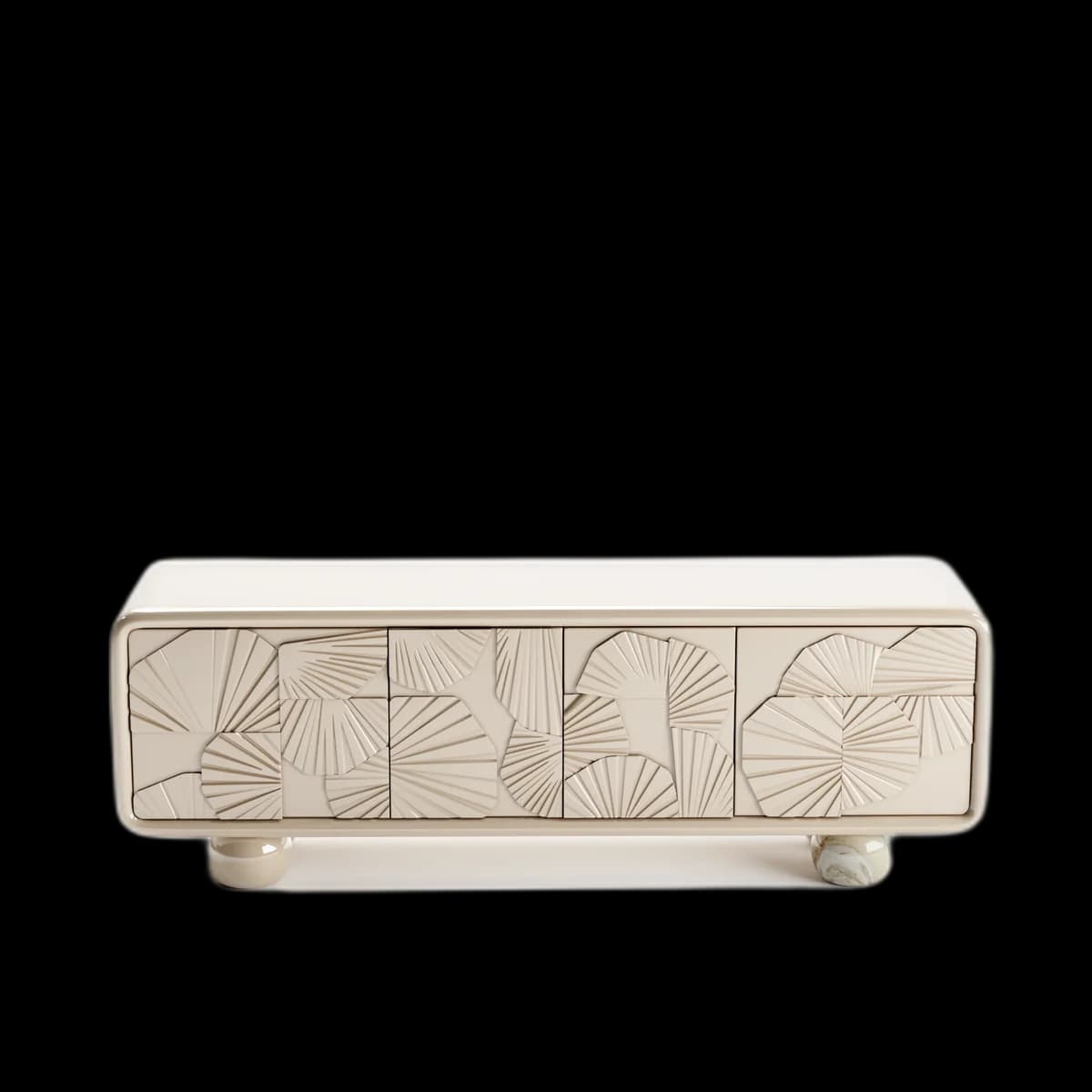

AR support for mobile buyers
Visual preview
Here's how it looks inside Lazada.
Setup
Live in 2 minutes.
3 steps · Easy
1
Copy viewer link
Asset → Share → Copy Viewer Link.
2
Add to product page
In Lazada Seller Center → Products → Edit Product → add the viewer link to your product description.
3
Use in promotions
Add the 3D viewer link to your Lazada store announcement or campaign banners.
Best for
Who uses Lazada with Fenicher?
01
Furniture and home decor brands on Lazada
02
SEA exporters targeting regional buyers
Also in E-Commerce
Other integrations you might want
Connect Fenicher to Lazada.
Contact sales to get started. Setup in 2 minutes.