🏗️
Design Tools
SketchUp
Export SketchUp models to Fenicher for 3D sharing
Live
Setup:15 minutes
Difficulty:Medium
Code:No code needed
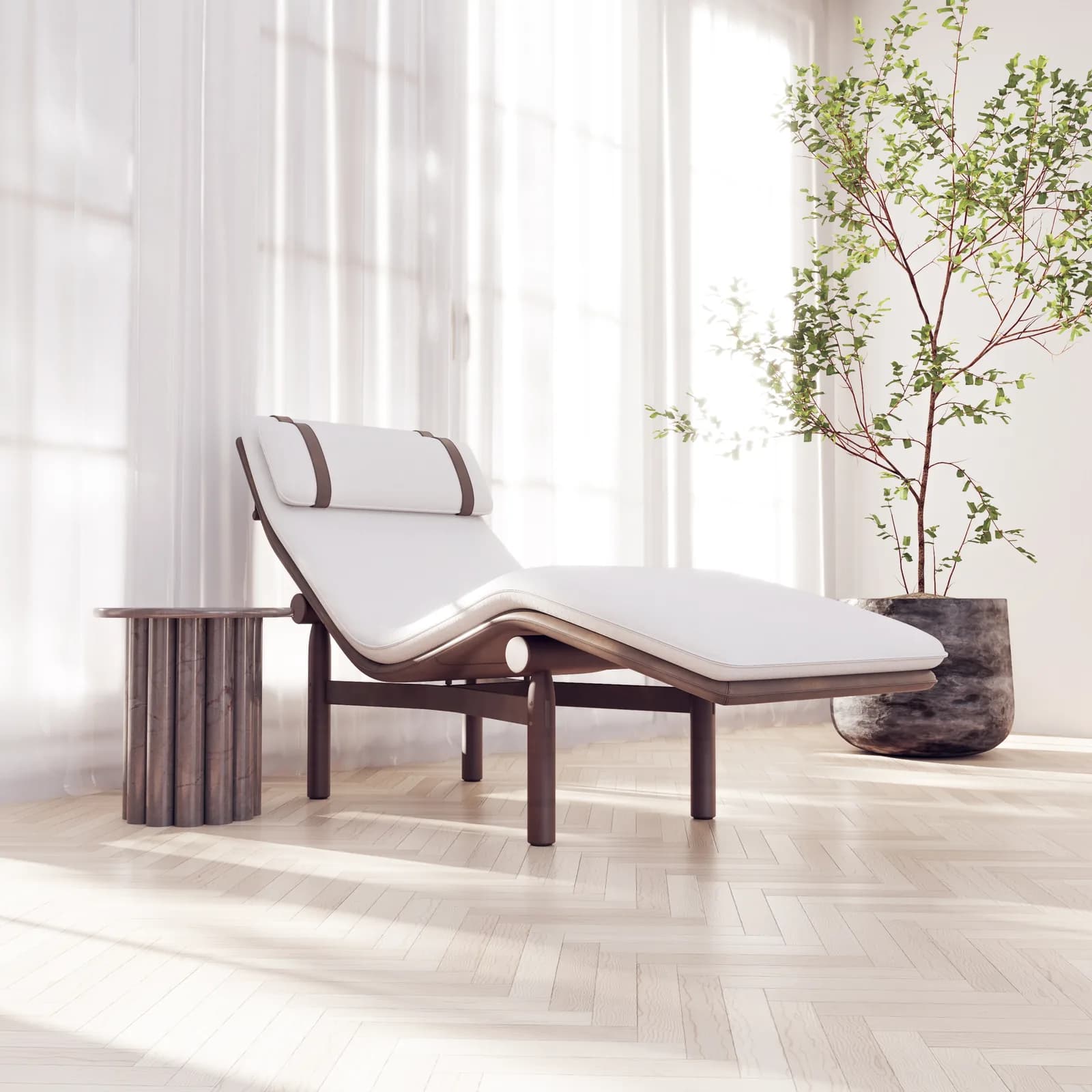
What's included
Your products. SketchUp-ready.
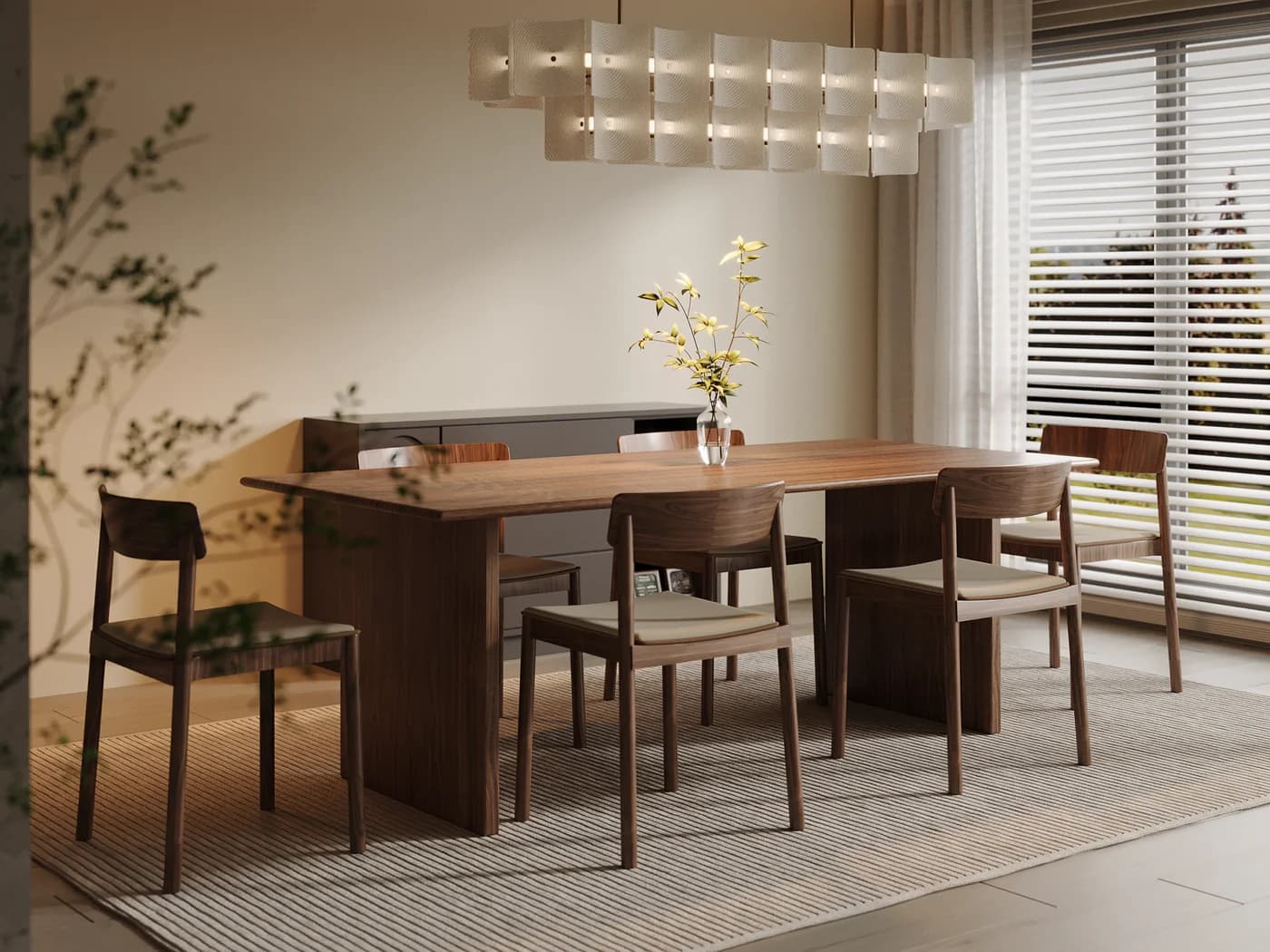
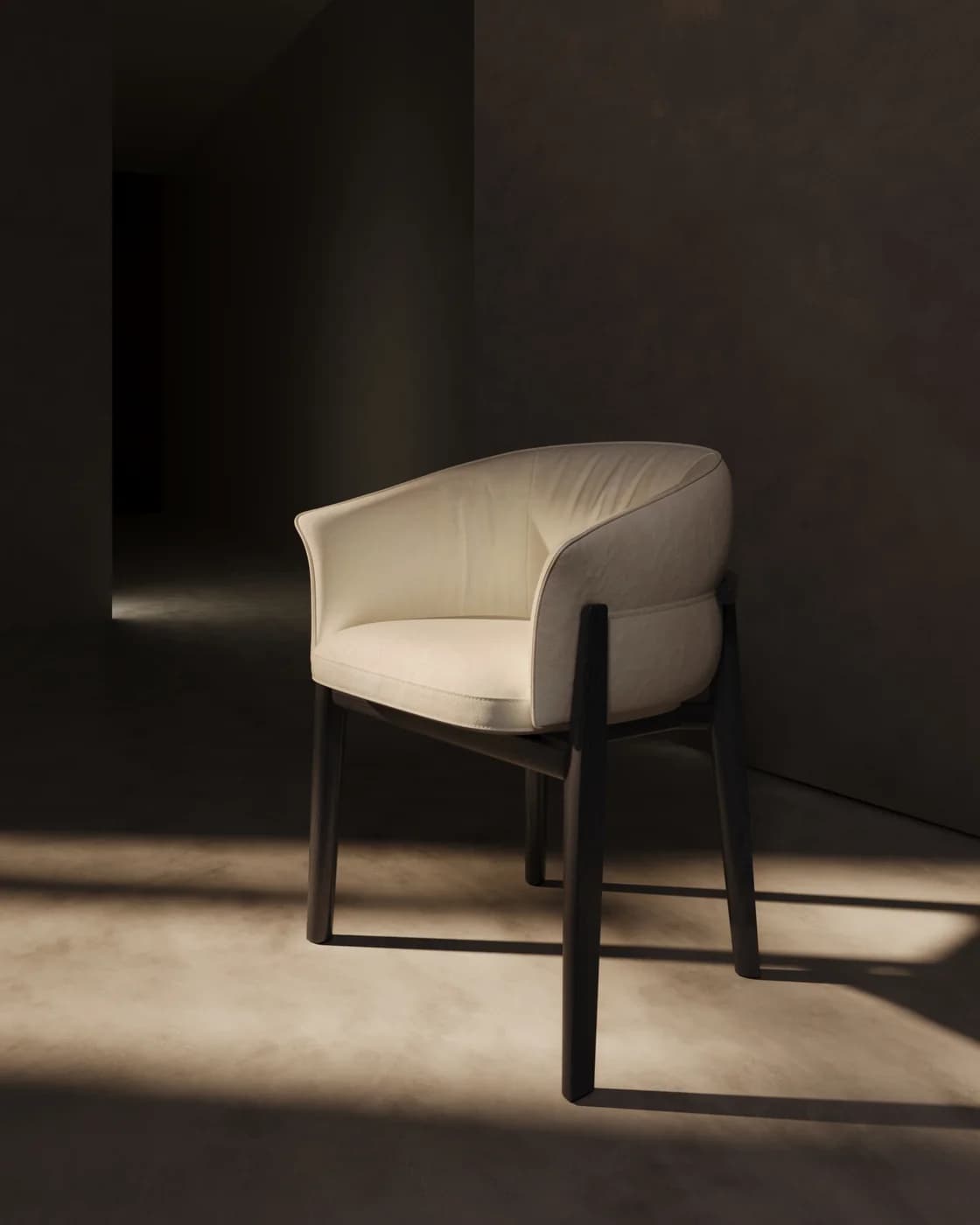
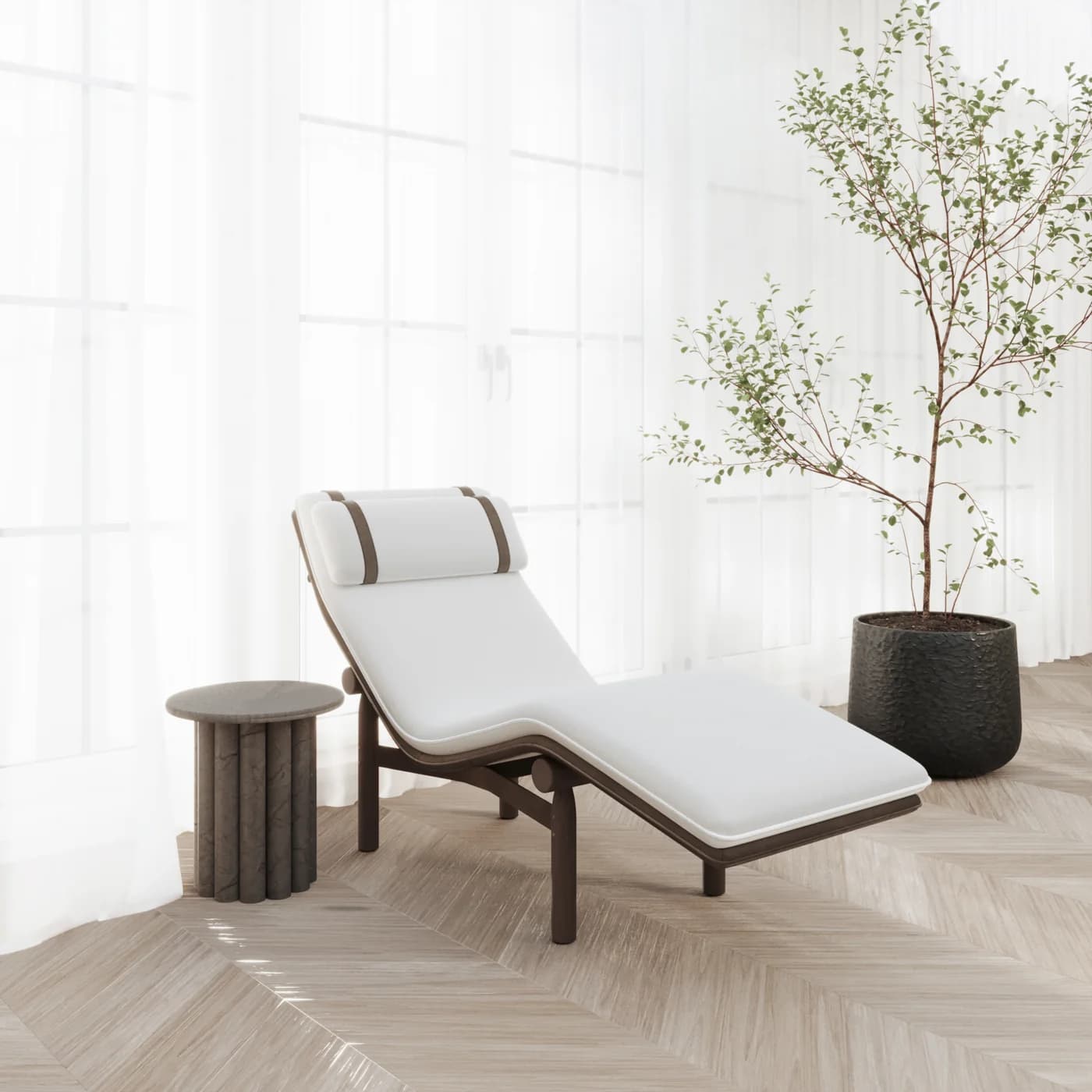
AR-ready output after Fenicher processing
Visual preview
Here's how it looks inside SketchUp.
Setup
Live in 15 minutes.
4 steps · Medium
1
Install the glTF exporter
In SketchUp → Window → Extension Warehouse → search 'glTF Exporter' by Centaur (free). Install and restart.
2
Clean up materials
Ensure textures are embedded and materials have standard PBR properties. Remove unused geometry.
3
Export as GLB
File → Export → 3D Model → File type: glTF/GLB.
4
Upload to Fenicher
Drag the .glb file into Fenicher Assets. Processing takes 30–60 seconds.
Best for
Who uses SketchUp with Fenicher?
01
Interior designers using SketchUp
02
Architects presenting furniture specs to clients
03
Furniture brands with SketchUp-based design workflows
Also in Design Tools
Other integrations you might want
Connect Fenicher to SketchUp.
Contact sales to get started. Setup in 15 minutes.