💬
Communication
WhatsApp Business
Share 3D product links directly in WhatsApp
Live
Setup:1 minute
Difficulty:Easy
Code:No code needed

What's included
Your products. WhatsApp Business-ready.
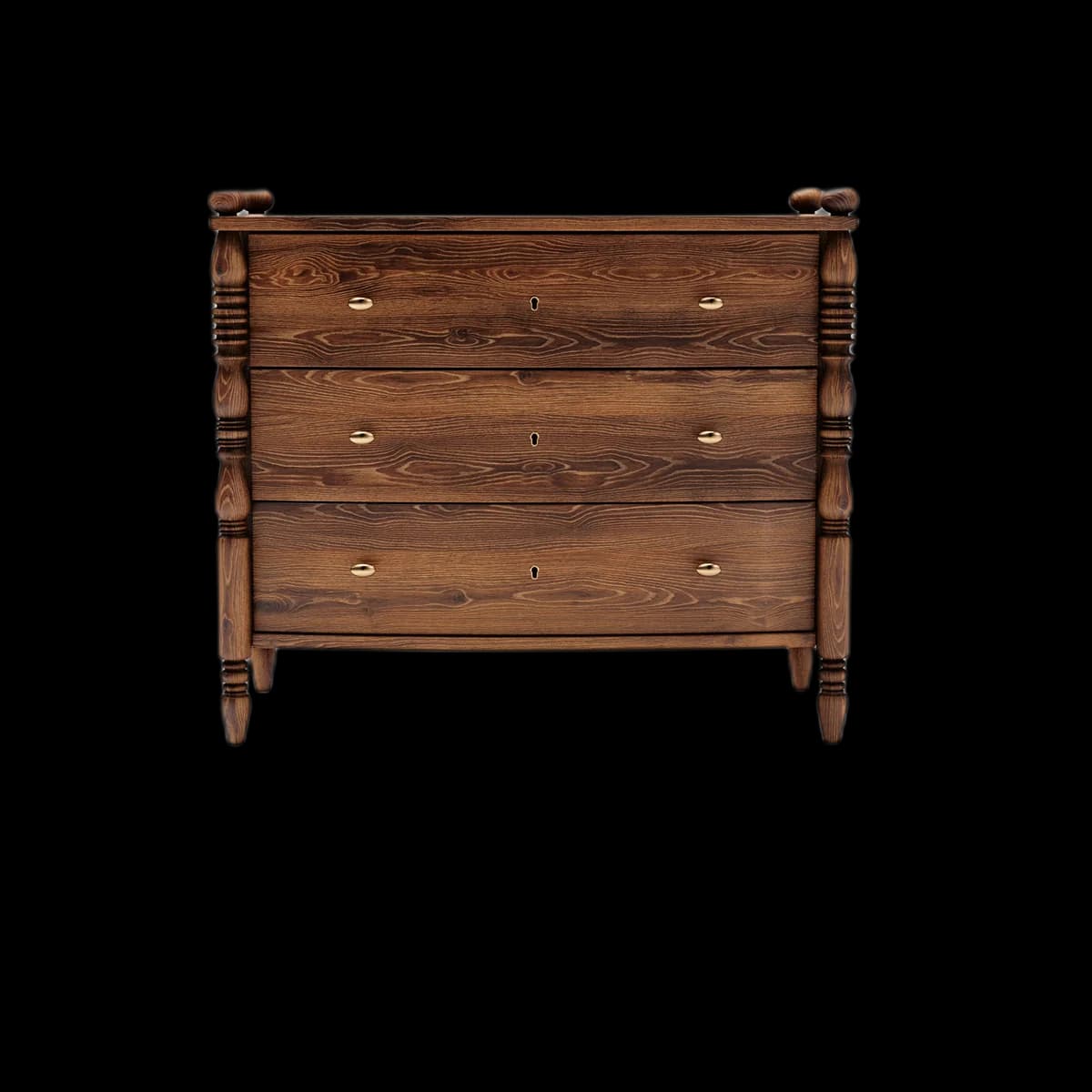


Track who opened the link via Fenicher analytics
Works with WhatsApp Business broadcast lists
Visual preview
Here's how it looks inside WhatsApp Business.
Setup
Live in 1 minute.
3 steps · Easy
1
Open asset in Fenicher
Go to your asset → click Share.
2
Copy viewer link or tap Share via WhatsApp
Use 'Share via WhatsApp' button to open directly in WhatsApp, or copy the link and paste it into any conversation.
3
Buyer opens and views
The buyer taps the link, sees a full-screen 3D viewer in their browser. On iPhone they can tap 'View in AR' to place the furniture in their room.
Best for
Who uses WhatsApp Business with Fenicher?
01
B2B sales via WhatsApp
02
Retail buyer qualification
03
IFEX follow-up after trade shows
04
Interior designers sharing options with clients
Connect Fenicher to WhatsApp Business.
Contact sales to get started. Setup in 1 minute.