📊
Quoting
Google Sheets Quoting
Build a live product catalog with Fenicher links in Google Sheets
Live
Setup:10 minutes
Difficulty:Easy
Code:Snippet provided

What's included
Your products. Google Sheets Quoting-ready.
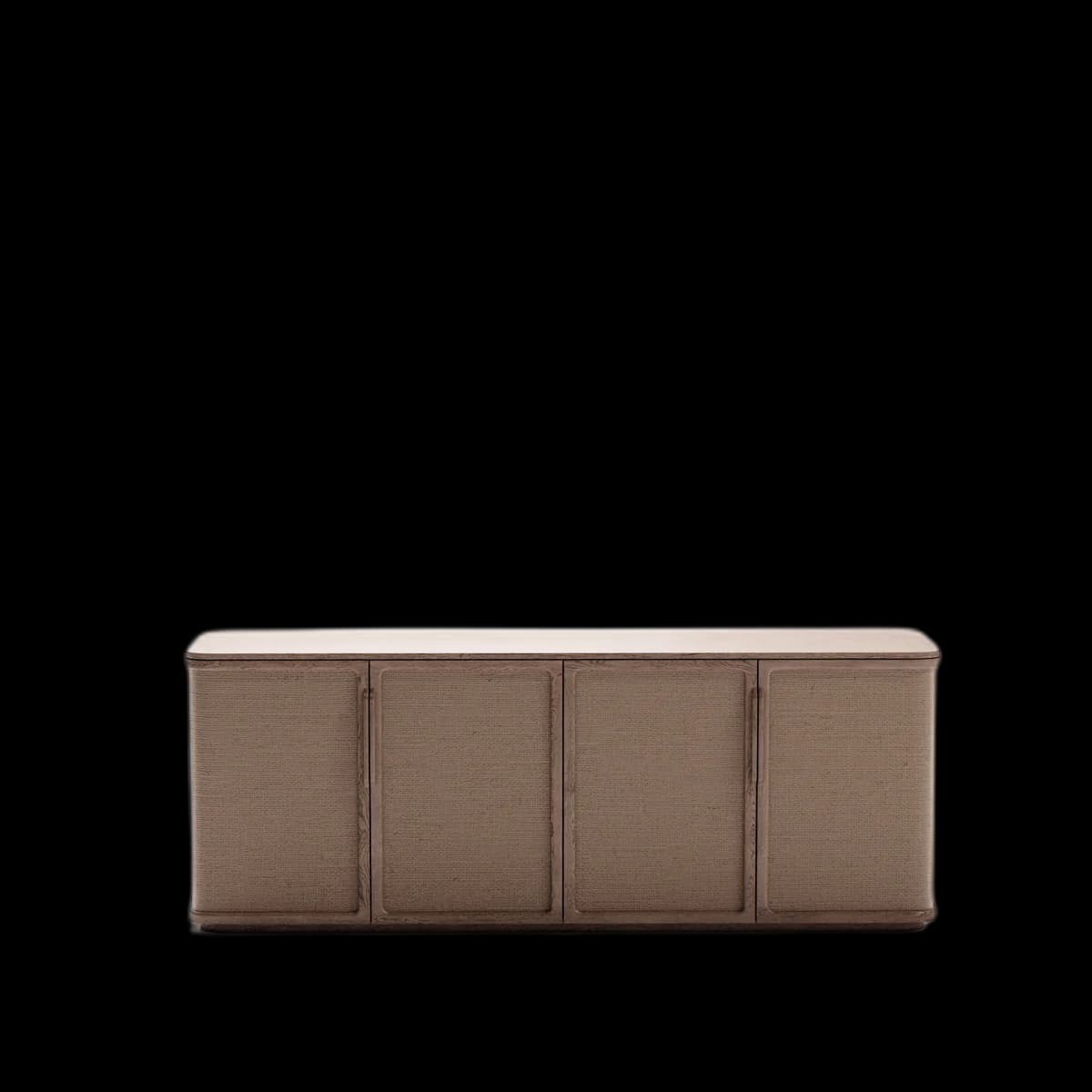

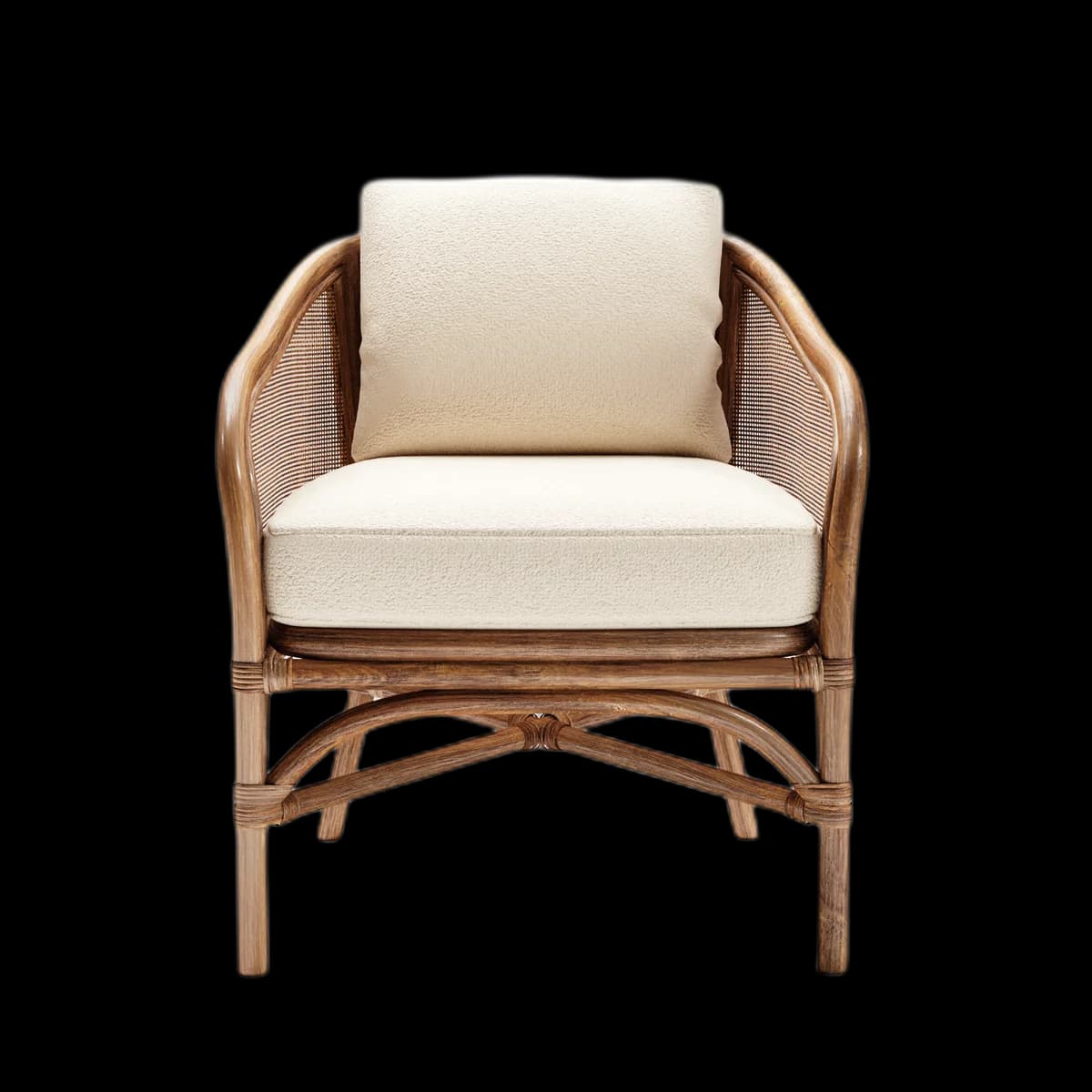
Works on mobile and desktop
Combine with Google Forms for quote requests
Visual preview
Here's how it looks inside Google Sheets Quoting.
Setup
Live in 10 minutes.
4 steps · Easy
1
Set up your sheet
Create columns: SKU, Product Name, Description, Price, 3D Viewer.
2
Add viewer links
In the '3D Viewer' column, paste each product's Fenicher viewer URL.
3
Format as hyperlink
Select cells → Insert → Link. Or use the HYPERLINK formula:
=HYPERLINK("https://fenicher.com/view/TOKEN","View in 3D →")4
Share with buyer
File → Share → Anyone with the link can view. Send the Google Sheets URL to your buyer.
Best for
Who uses Google Sheets Quoting with Fenicher?
01
Quick B2B quotes without a CRM
02
Sales teams building product shortlists
03
Interior designers presenting options
Also in Quoting
Other integrations you might want
Connect Fenicher to Google Sheets Quoting.
Contact sales to get started. Setup in 10 minutes.