🌍
Export Marketplaces
Alibaba / Made-in-China
Stand out on Alibaba with 3D product links
Live
Setup:2 minutes
Difficulty:Easy
Code:Snippet provided
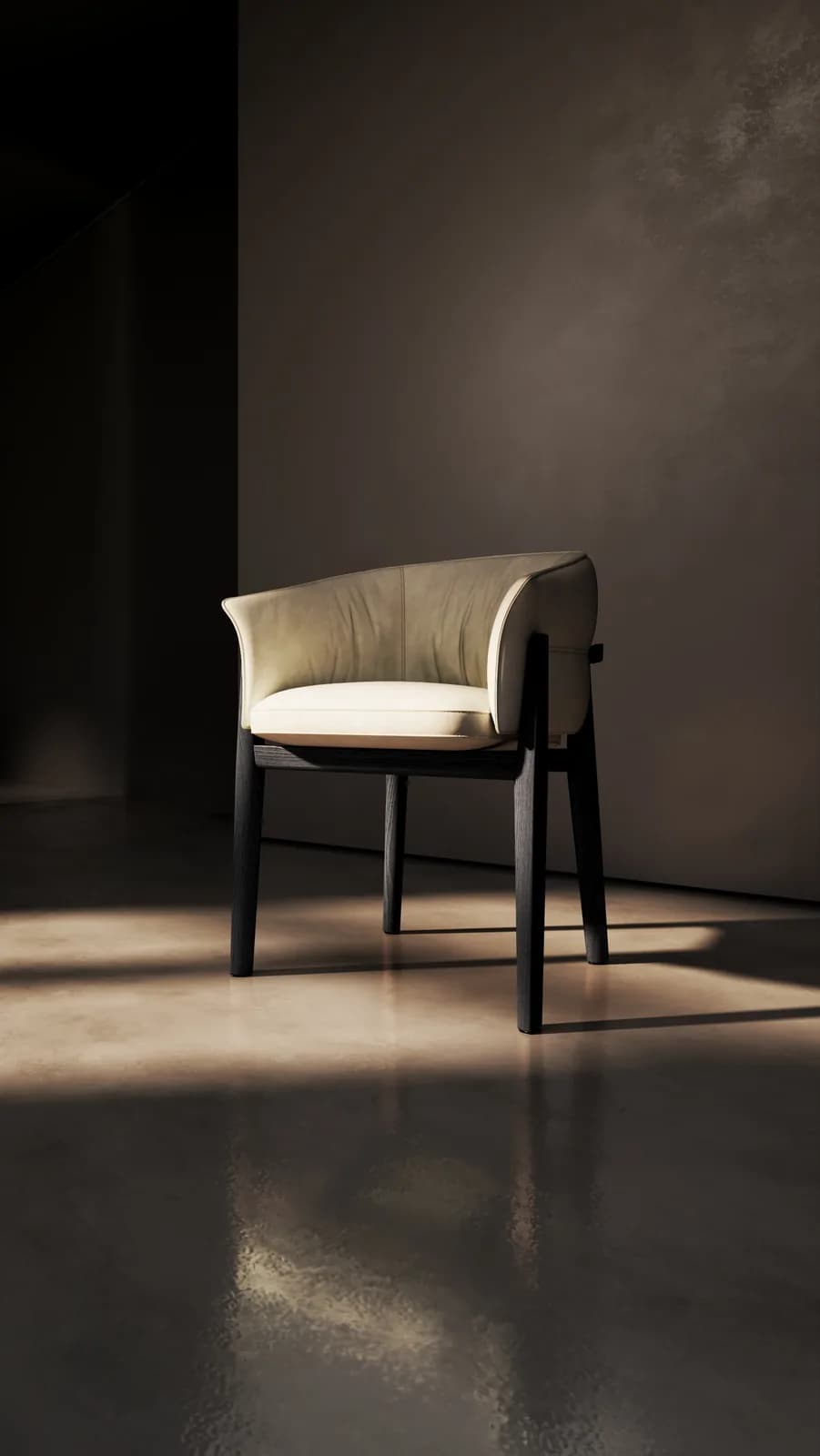
What's included
Your products. Alibaba / Made-in-China-ready.
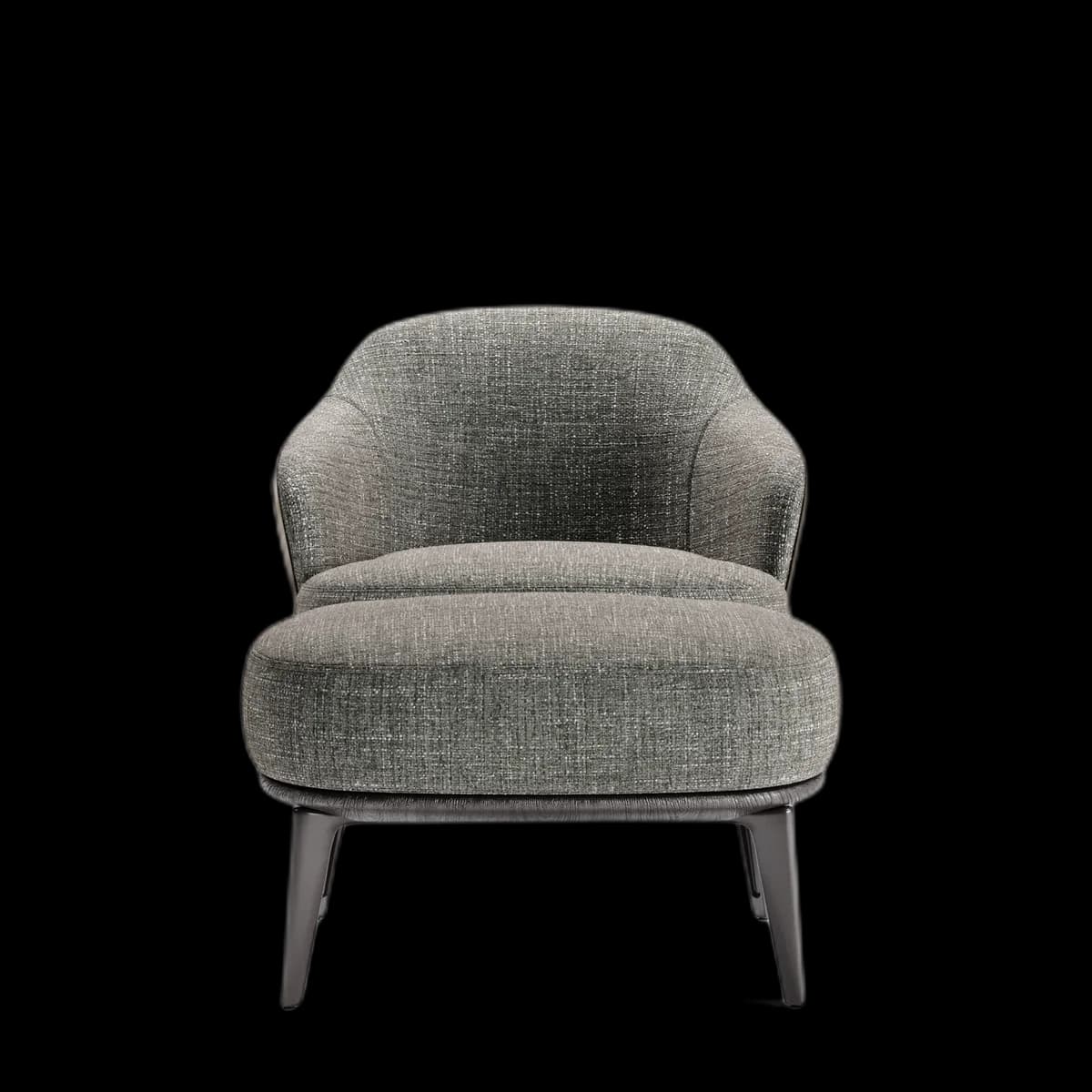
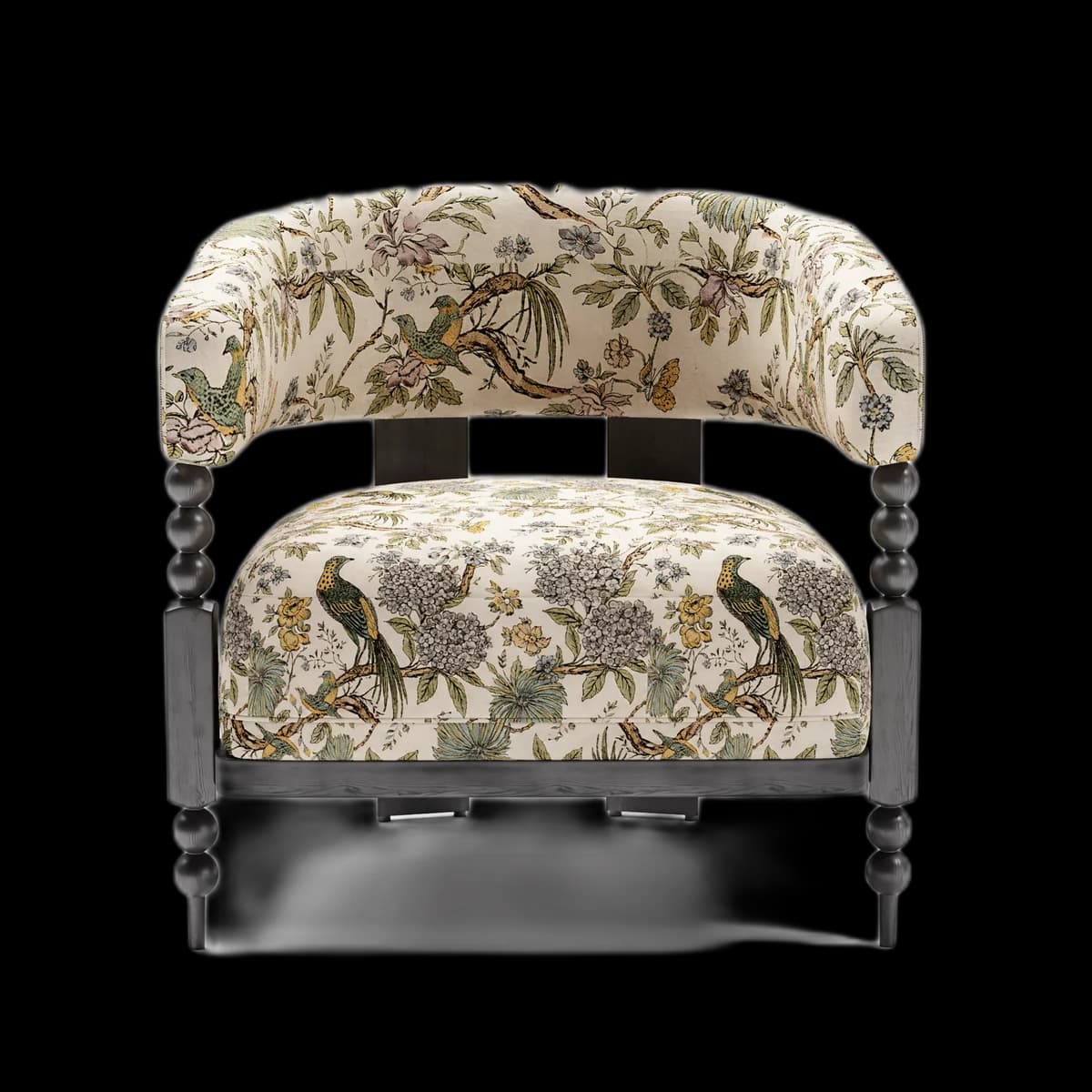
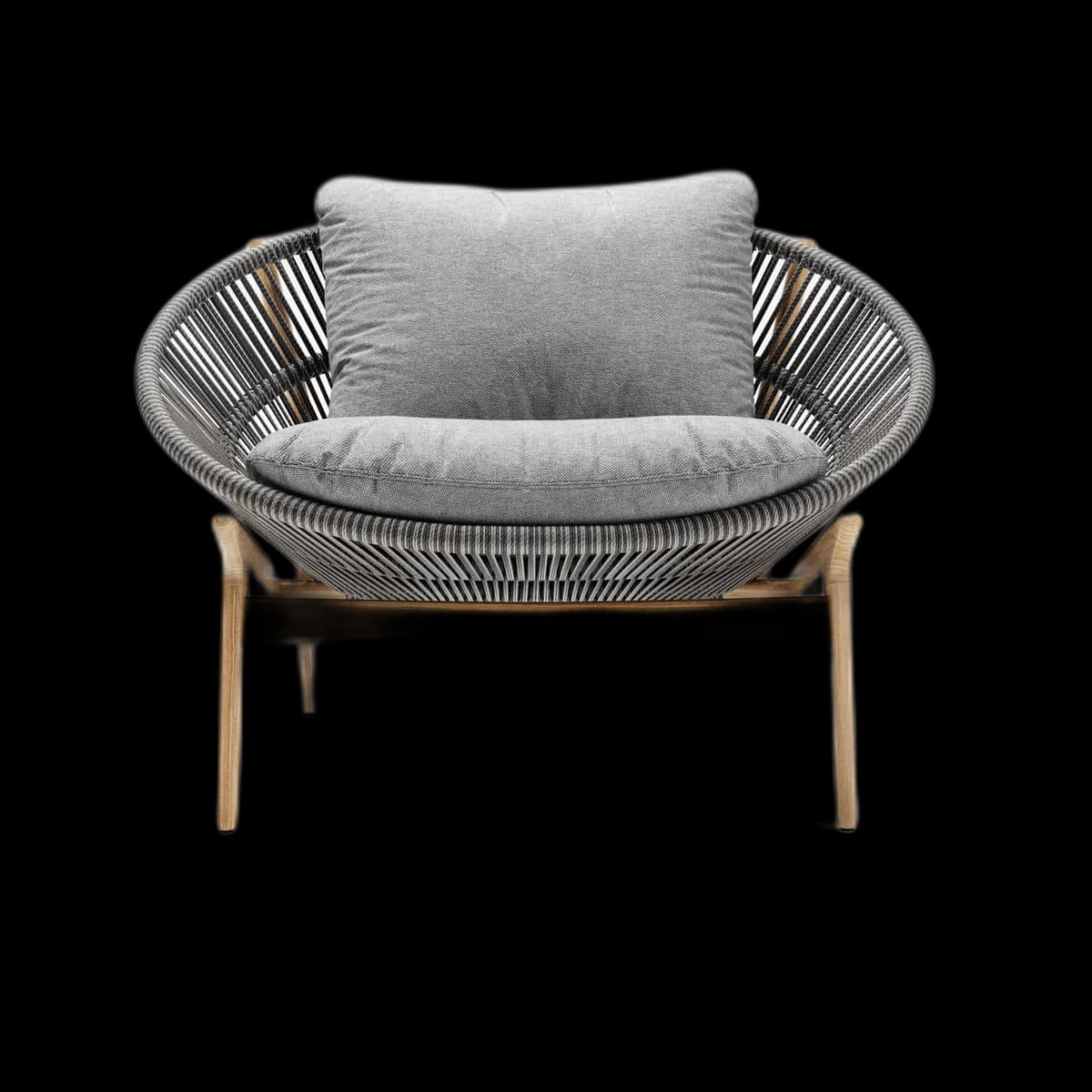
Supports English and any language interface
Track views per country in Fenicher Analytics
Visual preview
Here's how it looks inside Alibaba / Made-in-China.
Setup
Live in 2 minutes.
4 steps · Easy
1
Get your viewer link
Asset → Share → Copy Viewer Link.
2
Add to product listing
In Alibaba Seller Center → Products → Edit Product Description. Add at the top:
🪑 View in 3D (rotate, zoom, AR):
https://fenicher.com/view/YOUR_TOKEN

No download needed. Works on any phone or computer.
3
Include in Trade Assurance quotes
When sending an Alibaba RFQ response, include the Fenicher link in your product detail message.
4
Use in Alibaba Chat
When chatting with prospects in Alibaba Messenger, paste the viewer link directly.
Best for
Who uses Alibaba / Made-in-China with Fenicher?
01
Indonesian furniture exporters on Alibaba
02
IFEX exhibitors following up with international buyers
03
OEM manufacturers showing prototypes
Connect Fenicher to Alibaba / Made-in-China.
Contact sales to get started. Setup in 2 minutes.