Your 3D renders are worth more than you think — and how to keep them safe
A STEP or GLB file is not just a pretty picture. It carries exact production geometry, material specifications, and potentially 18 months of design iteration. Most furniture brands treat it like a photo attachment and share it the same way.
What's inside a render file
When a buyer asks for "the renders," they usually mean JPGs. What they get — or what they could get — is a lot more:
- Exact geometry. A STEP file stores surfaces as mathematical equations. A factory can feed it directly into a CNC machine and produce the piece without a single measurement from you.
- PBR material data. The GLB carries albedo maps, roughness, metalness, and normal maps — the precise recipe for how the finish looks under any light.
- Exact dimensions. Width, depth, height, joint clearances — all embedded. No need to read a spec sheet.
- Variant structure. If you've organized your files properly, the folder reveals every colorway, every fabric option, every configuration you offer.
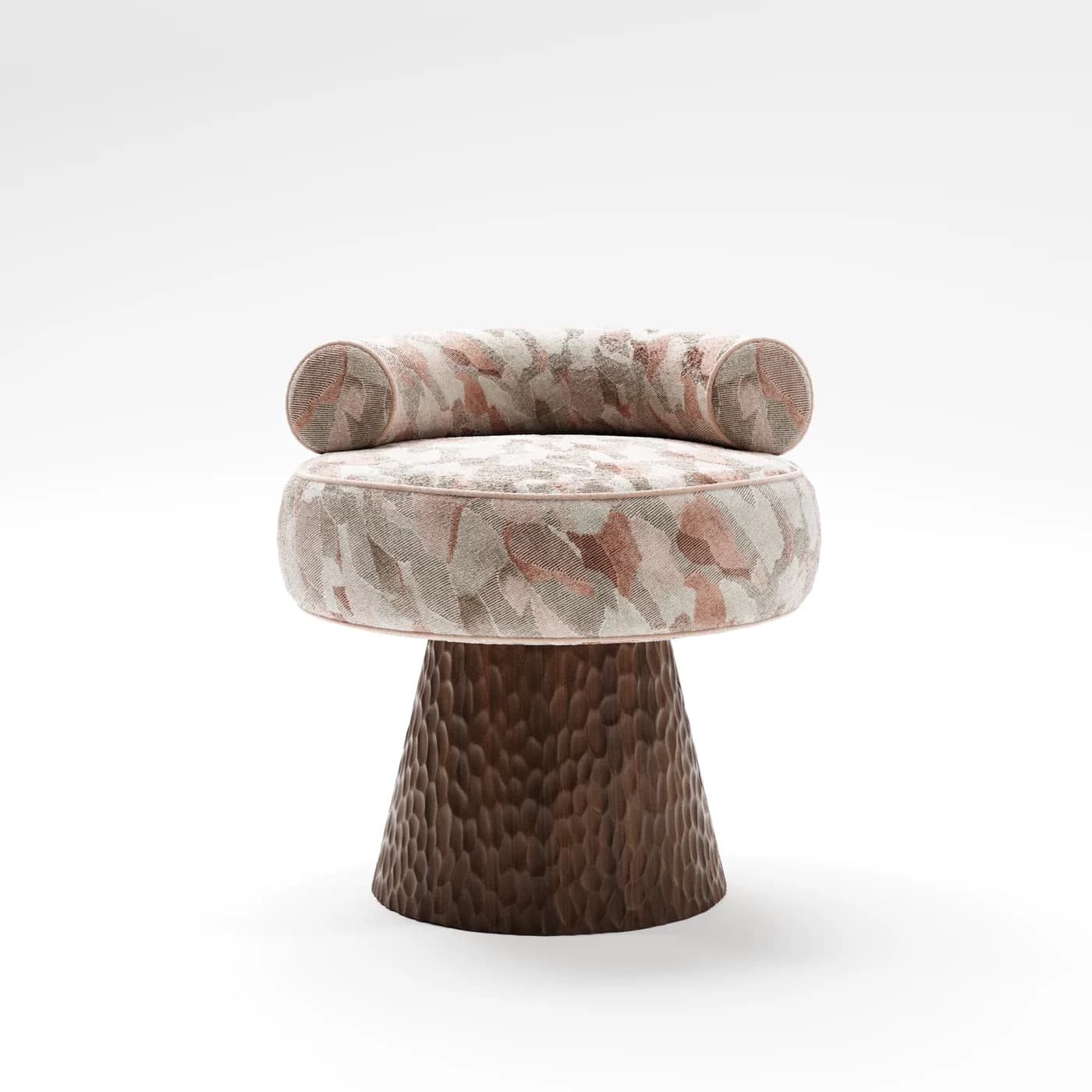
In short: whoever has your source files has your product. Not a copy — your product, down to the last joint.
What leaks when it leaks
Three scenarios come up repeatedly when furniture brands talk about file incidents:
- Factory reverse-engineering. A prospective production partner requests files "to quote the job." They quote, you don't proceed, but the files stay on their server. Six months later you see a near-identical piece in a competitor's catalog.
- Pre-launch collection exposure. A Drive link shared with one buyer gets forwarded. Screenshots surface in a trade group chat. Your collection is "out" before the official reveal — and so is your competitive edge at the trade show.
- Client IP exposure. If you're a design studio or 3D house producing assets for a furniture brand, your client's unreleased product is in those files. A leak is your problem — even though someone else owns the design.
The weak link: Drive folders
The standard furniture brand file distribution stack looks like this:
- Google Drive or Dropbox folder, "Anyone with the link can view/download"
- ZIP via WeTransfer (7-day expiry, but no viewer identity)
- WhatsApp — compressed, no expiry, no audit, no control at all
The risk isn't that these tools are bad. It's that none of them were built for managing access to production-grade IP. They're built for sharing, full stop.
- Link never expires
- Anyone can forward it
- Download is always on
- No viewer identity log
- Can't revoke mid-deal
- TTL on every link
- Viewer must authenticate
- Download requires permission
- Every open is logged
- Revoke in one click
What secure access looks like
Before sending any render file to a buyer, factory, or distributor, the share mechanism should answer five questions:
| Question | Why it matters | Minimum requirement |
|---|---|---|
| Who opened it? | Identify if a link was forwarded | Viewer must identify (email or SSO) |
| When did it expire? | Limit exposure window | TTL on every generated link |
| What did they download? | Know exactly what left your workspace | Per-file download log |
| Can I revoke it? | Kill access if the deal falls through | One-click revoke per viewer |
| Can they forward it? | Stop the link from propagating | Signed URLs that don't work for other IPs |
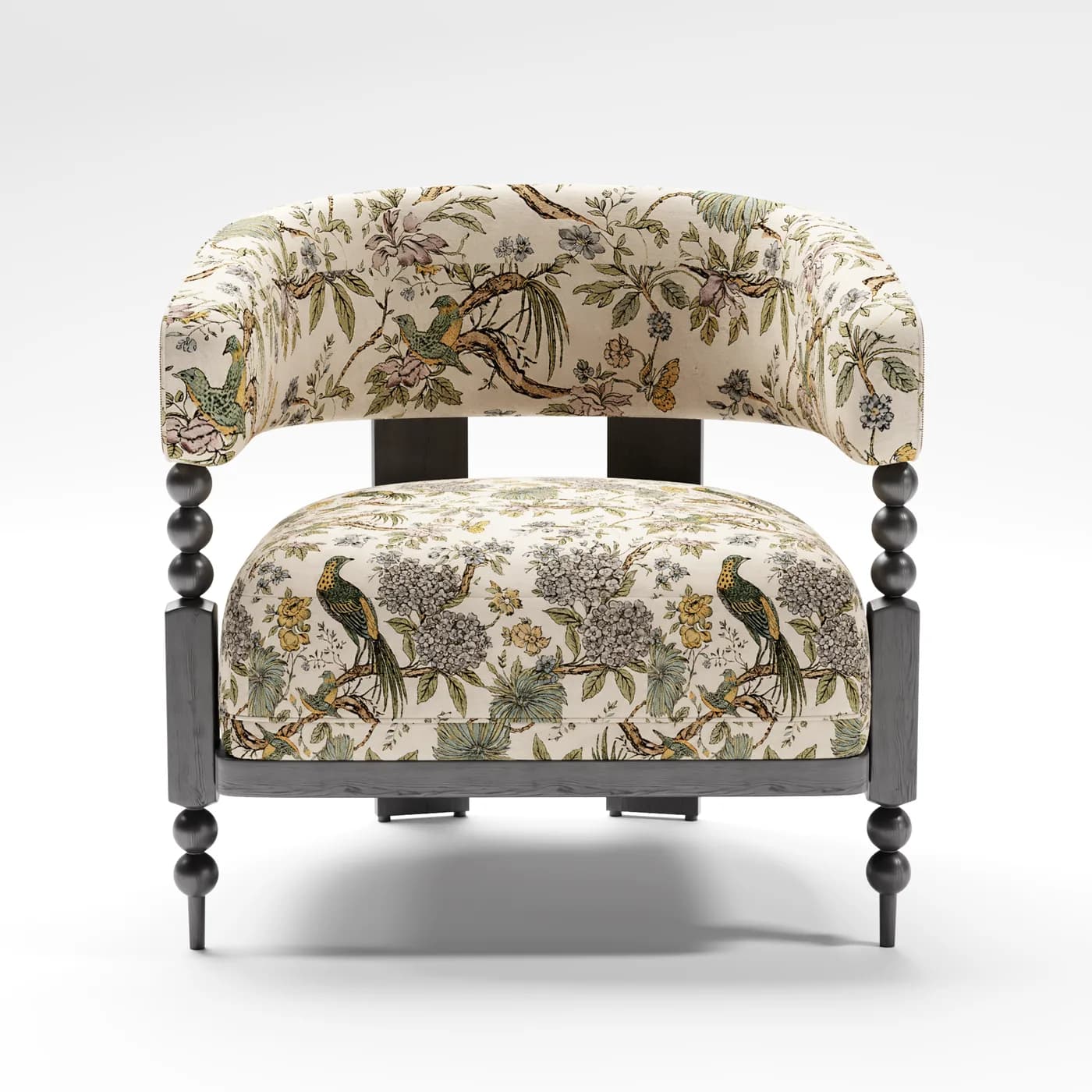
How Fenicher handles it
Every file workspace in Fenicher is built around the principle that viewing and owning are different things. Here's what that means in practice:
- Signed URLs with TTL. Every share link is cryptographically signed and expires. A link generated for a trade show meeting doesn't work the week after.
- Per-viewer open log. The workspace owner sees who opened the link, from which device, and at what time. Forwarded links show up as unexpected viewers immediately.
- Download gating. Files are viewable in the browser — interactive 3D, AR — without downloading. Download requires an explicit permission toggle per viewer.
- One-click revoke. Pull a viewer's access at any point, including after they've already opened the link. The link stops working instantly.
- Workspace-level access tiers. Set a workspace to "view-only" for prospective buyers and "download-enabled" for confirmed production partners.
We used to send the same Drive link to every contact. Now I know exactly who opened what, and I revoke access the moment a deal doesn't move forward. Haven't had a leak since.
Your 3D files are your product. Treat the distribution of those files the same way you treat access to your factory floor.